 Watch+
Sync Hours
When is everyone at work?
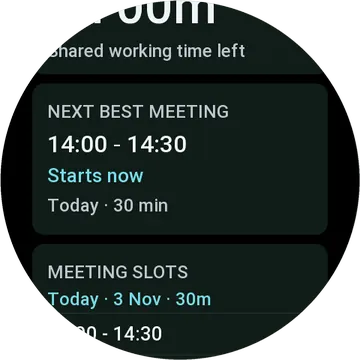
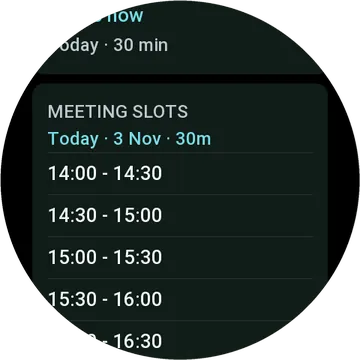
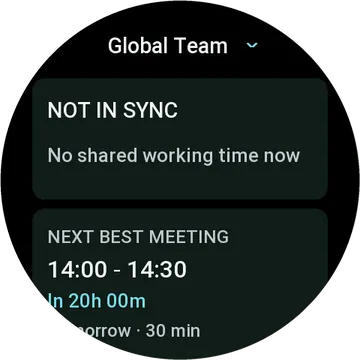
Set your team’s locations and work schedules in Zepp. Your watch shows when everyone is available, how long it lasts, and the next 30-minute slot to meet.
Free to install · Pro available · In the Zepp app: Profile → App Store → “Sync Hours”
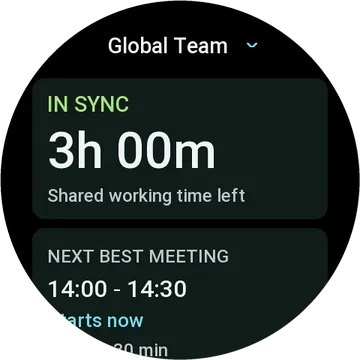
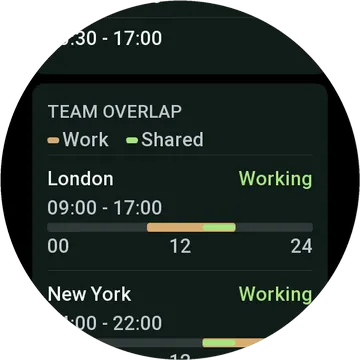
🌍 2 h 15 m overlap
📅 Next slot 16:00
30 minMeeting slots found for you
DSTDaylight saving and overnight shifts
OfflineSynced schedules stay on the watch
What it does
Across time zones, at a glance.
Shared availability
Who’s in, and the time remaining.
Meeting slots
The next 30-minute windows that work for all.
Timelines
Compare everyone’s day side by side.
Groups
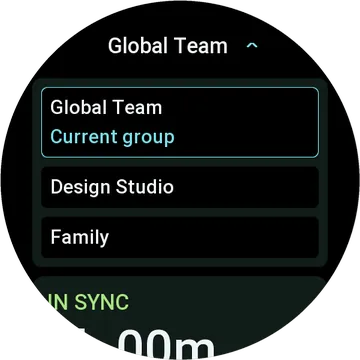
Switch between teams.
Widgets
And shortcut cards on supported watches.
Screens
Have a look.
Supported watches
Does it run on mine?
 Active 3 Premium
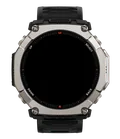 T-Rex Ultra 2
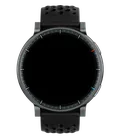 Active Max
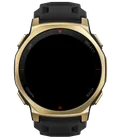 T-Rex 3 Pro (44mm)
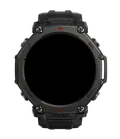 T-Rex 3 Pro (48mm)
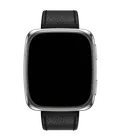 Active 2 (Square)
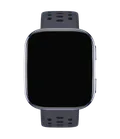 Bip 6
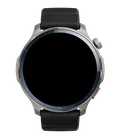 Balance 2
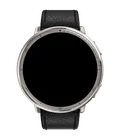 Active 2 (Round)
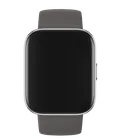 Bip 5 Unity
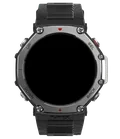 T-Rex 3
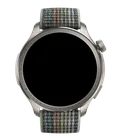 Balance
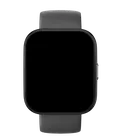 Bip 5
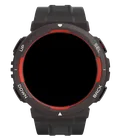 Active Edge
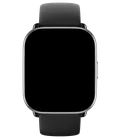 Active
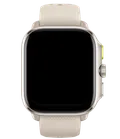 Cheetah (Square)
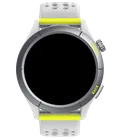 Cheetah (Round)
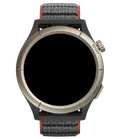 Cheetah Pro
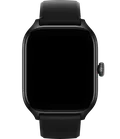 GTS 4
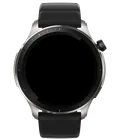 GTR 4
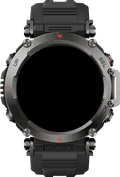 T-Rex Ultra
 GTR 3 Pro
 T-Rex 2
 Falcon
 Band 7
 GTR Mini
 GTS 4 mini
 GTR 3
 GTS 3
Questions
Good to know.
Does it read my calendar?
No. It uses the work schedules you set, not live calendars.
More apps
You might also like.

 Sync HoursInstall