 Watch+

Any Calendar
Your real calendar, on your wrist.
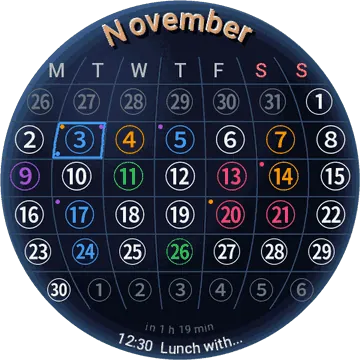
Paste a calendar link from Google, iCloud or Outlook in the Zepp app. Your month, your events and their colours, on the watch and offline.
Free to install · Pro $2.99 once · In the Zepp app: Profile → App Store → “Any Calendar”
📅 Tue 24 · 3 events
⏰ in 15 min
3 servicesGoogle, iCloud, Outlook
OfflineMonths stay on the watch
10Countries’ public holidays
What it does
Every day at a glance.
Month view
Every day at a glance; days take their calendar’s colour.
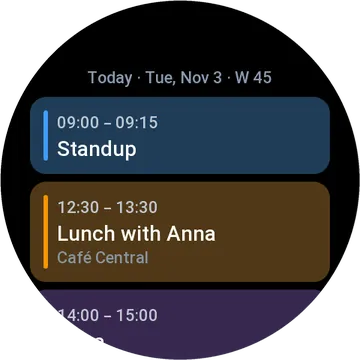
Tap a day
Its events. Swipe for other months.
Many calendars
Combine as many as you like with Pro.
Widget and card
A swipe-in month and upcoming events.
Reminders
From your calendar’s own alerts.
Screens
Have a look.
How it works
Set up in a minute.
Copy the link
Your calendar’s link from Google, iCloud or Outlook.
Paste it
In Any Calendar’s settings in the Zepp app.
Done
Your month lands on the watch.
Pricing
Free to start.
Free
$0
- One calendar
- Public holidays for 10 countries
- Month view, offline
Pro
$2.99 once
- Unlimited calendars
- Supports development
Buy on your phone, from the app’s settings page. The watch unlocks by itself. 14-day refunds, no questions. Refund policy.
Supported watches
Does it run on mine?
 Active 3 Premium
 T-Rex Ultra 2
 Active Max
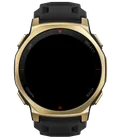 T-Rex 3 Pro (44mm)
 T-Rex 3 Pro (48mm)
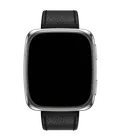 Active 2 (Square)
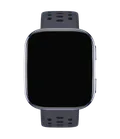 Bip 6
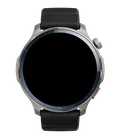 Balance 2
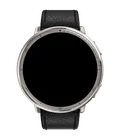 Active 2 (Round)
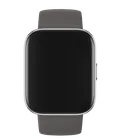 Bip 5 Unity
 T-Rex 3
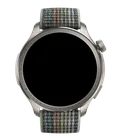 Balance
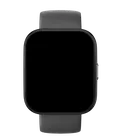 Bip 5
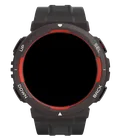 Active Edge
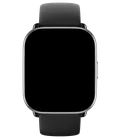 Active
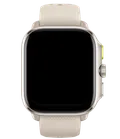 Cheetah (Square)
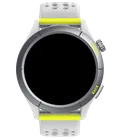 Cheetah (Round)
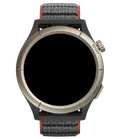 Cheetah Pro
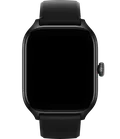 GTS 4
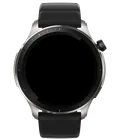 GTR 4
 T-Rex Ultra
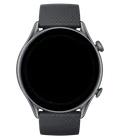 GTR 3 Pro
 T-Rex 2
 Falcon
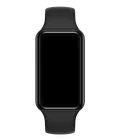 Band 7
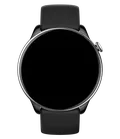 GTR Mini
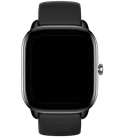 GTS 4 mini
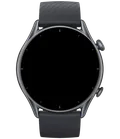 GTR 3
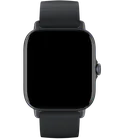 GTS 3
Questions
Good to know.
Can I add events from the watch?
No. The app reads your calendar; add events where you always do.
More apps
You might also like.


 Any CalendarInstall