 Watch+

Parking+
Where did I park?
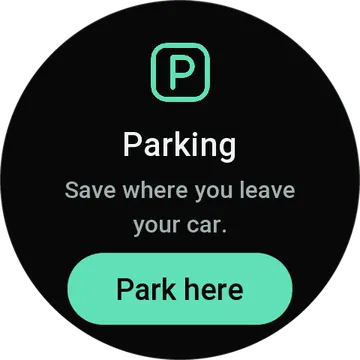
Save your parking time and GPS spot on your watch. Find car points straight back to it, and deadlines warn you before time runs out.
Free to install · Pro available · In the Zepp app: Profile → App Store → “Parking+”
🅿️ Level 2 · B14
🧭 120 m
GPSSpot saved on the watch
GarageLevel, zone and space
AlertsBefore the meter runs out
What it does
Park it and forget it.
Save your spot
No signal in the garage? Keep walking: it saves the spot once GPS is back, or takes your phone’s location.
Find car
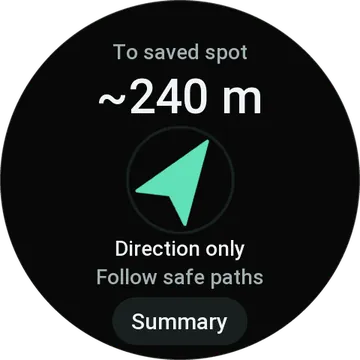
Distance and direction back to your car.
Garage details
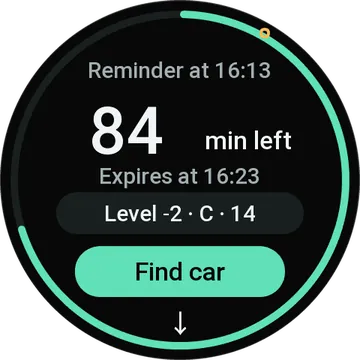
Level, zone and space, even without GPS.
Deadlines
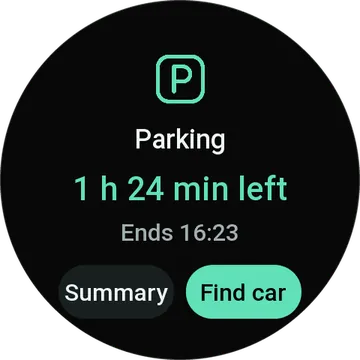
Early warnings and a full-screen alert.
To your phone
Send the spot to Google Maps for walking directions.
Screens
Have a look.
Supported watches
Does it run on mine?
 Active 3 Premium
 T-Rex Ultra 2
 Active Max
 T-Rex 3 Pro (44mm)
 T-Rex 3 Pro (48mm)
 Active 2 (Square)
 Bip 6
 Balance 2
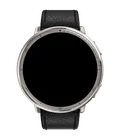 Active 2 (Round)
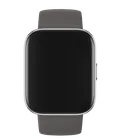 Bip 5 Unity
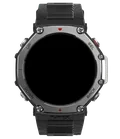 T-Rex 3
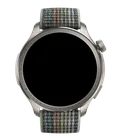 Balance
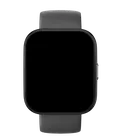 Bip 5
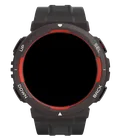 Active Edge
Questions
Good to know.
Which watches work?
Find car needs a watch with GPS; deadlines need Zepp OS 3 or later.
More apps
You might also like.


 Parking+Install