 Watch+
North that holds still.
A compass that holds north while your wrist moves, over a world map that marks where you stand, with the nearest cities and their true bearings.
Free to install · Pro $2.99 once · In the Zepp app: Profile → App Store → “Compass+”
Know where you are. And which way.
A steady needle
The heading is smoothed, so north holds still while your wrist moves.
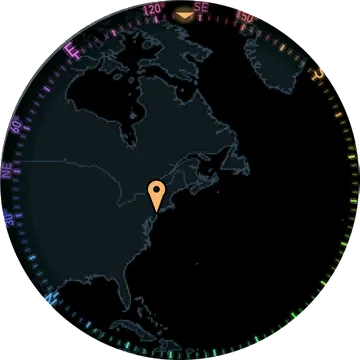
World map
Marks where you stand, with no signal needed.
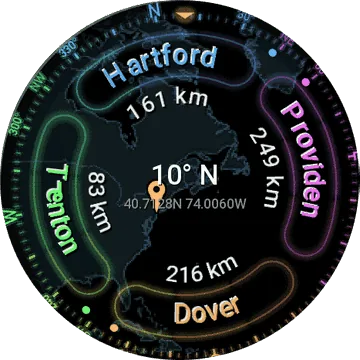
Nearest cities
The four nearest capitals and regional seats, each with its distance and true bearing.
North tick
A short buzz each time you swing past north.
Calibration game
Tilt to roll a ball around. You calibrate the compass while you play.
Bearing lock (Pro)
Hold the centre to lock a course. It buzzes when you drift and shows the bearing back.
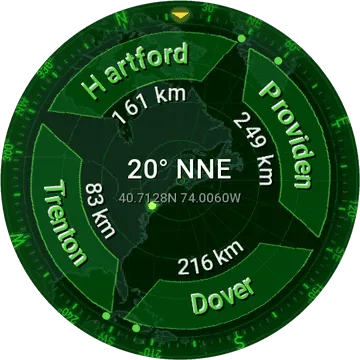
Skins (Pro)
Military, Phosphor and Marine. Pick one in the Zepp app.
Have a look.
Set up in a minute.
Calibrate
Play the short tilt game on first launch.
Read it
Tap the ring for city names, the centre for the readout, the pin for the map.
Lock a course
With Pro, hold the centre and follow the buzz.
Free to start.
Free
- Compass and world map
- 4 nearest cities
- North tick
- Calibration game
Pro
- Bearing lock with drift buzz
- Bearing back
- Military, Phosphor and Marine skins
Buy on your phone, from the app’s settings page. The watch unlocks by itself. 14-day refunds, no questions. Refund policy.
Does it run on mine?
 Active 3 Premium
 T-Rex Ultra 2
 Active Max
 T-Rex 3 Pro (44mm)
 T-Rex 3 Pro (48mm)
 Active 2 (Square)
 Bip 6
 Balance 2
 Active 2 (Round)
 Bip 5 Unity
 T-Rex 3
 Balance
 Active Edge
 Active
 Cheetah (Square)
 Cheetah (Round)
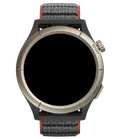 Cheetah Pro
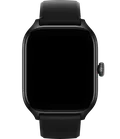 GTS 4
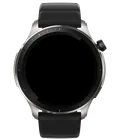 GTR 4
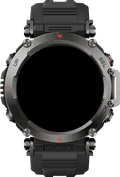 T-Rex Ultra
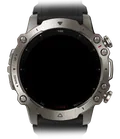 Falcon
Good to know.
Does it need GPS or the phone?
Your position comes from the watch. The map and the cities are stored on the watch, so it works with no signal.
The needle feels off.
Recalibrate: play the tilt game again, away from metal and magnets.
You might also like.
 Compass+Install