 Watch+
Tilt Maze
Tilt your wrist. Beat the clock.
Tilt your wrist and the ball rolls. Reach the glowing finish tile as fast as you can, from a 5×5 warm-up to 15×15 boards that fill the whole screen.
Free to install · Pro $2.99 once · In the Zepp app: Profile → App Store → “Tilt Maze”
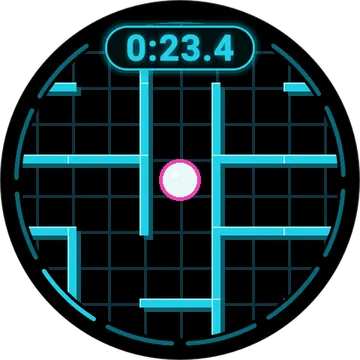
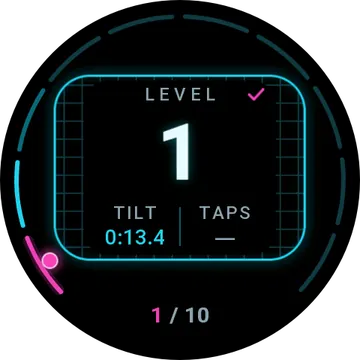
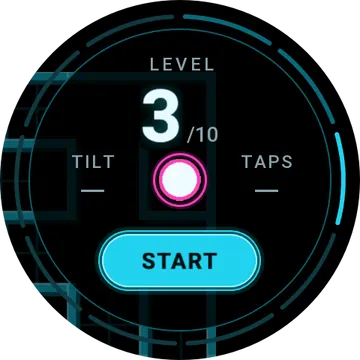
⚾️ Tilt to roll
⏱️ Best 0:18
10 mazesHand-picked, 5×5 to 15×15
2 controlsTilt, or hold and tap
OfflineNo ads, no account
What it does
A tiny marble game on your wrist.
Tilt steering
The ball follows your wrist, like a wooden labyrinth in your hand.
Hold and tap
Wrist busy? Steer with taps instead. Each control keeps its own best times.
Every run timed
Your best time for each maze stays on the watch.
Ten mazes
From a quick warm-up to boards that fill the screen.
Works offline
No phone, no signal needed.
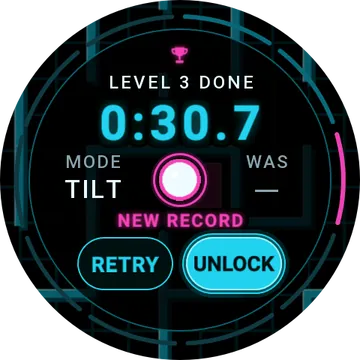
Screens
Have a look.
Pricing
Free to start.
Free
$0
- Levels 1–3
- Tilt and tap controls
- Best times
Pro
$2.99 once
- Levels 4–10
- Supports development
Buy on your phone, from the app’s settings page. The watch unlocks by itself. 14-day refunds, no questions. Refund policy.
Supported watches
Does it run on mine?
 Active 3 Premium
 T-Rex Ultra 2
 Active Max
 T-Rex 3 Pro (44mm)
 T-Rex 3 Pro (48mm)
 Active 2 (Square)
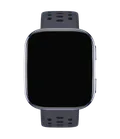 Bip 6
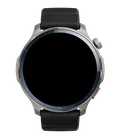 Balance 2
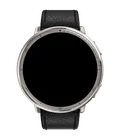 Active 2 (Round)
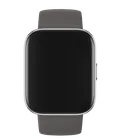 Bip 5 Unity
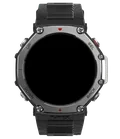 T-Rex 3
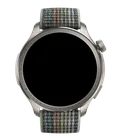 Balance
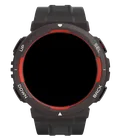 Active Edge
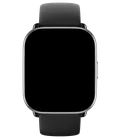 Active
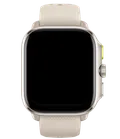 Cheetah (Square)
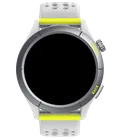 Cheetah (Round)
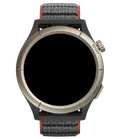 Cheetah Pro
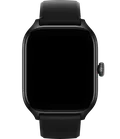 GTS 4
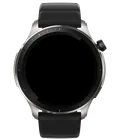 GTR 4
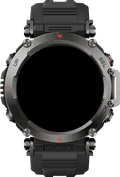 T-Rex Ultra
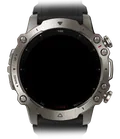 Falcon
Questions
Good to know.
Do I need the phone to play?
No. The game runs on the watch; the phone is only for unlocking Pro.
More apps
You might also like.


 Tilt MazeInstall