 Watch+
Lens Days
Your lenses, never overdue.
Days left for your contact lenses on your wrist, on any schedule. Tap the eye to put them in or take them out; it keeps the hours worn today.
Free to install · Pro $2.99 once · In the Zepp app: Profile → App Store → “Lens Days”
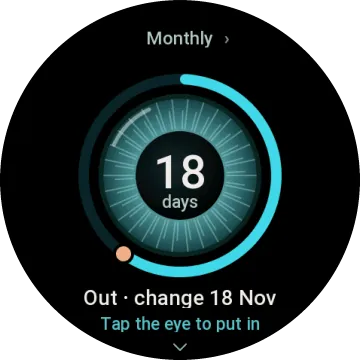
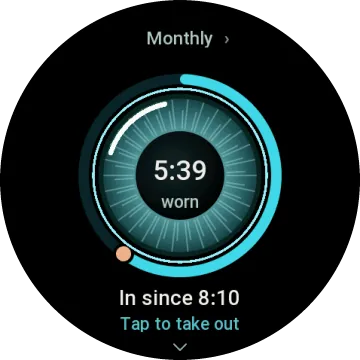
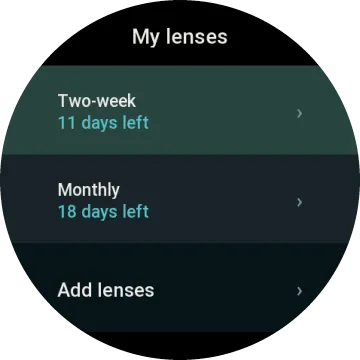
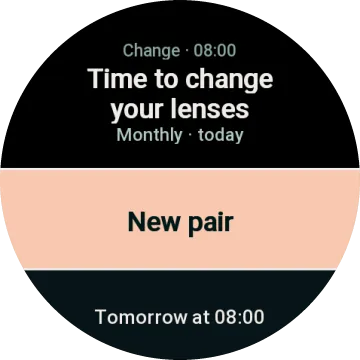
👁️ 12 days left
⏰ Change tomorrow
AnyDaily, weekly, monthly schedule
HoursWorn today, tracked with a tap
OffReminders off until you turn them on
What it does
One less thing to remember.
Days left
For your lenses, on any schedule.
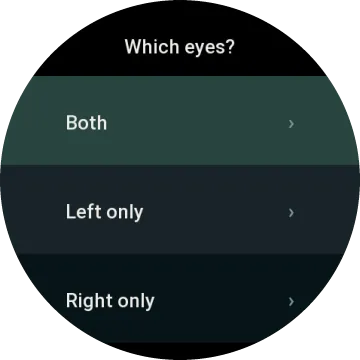
Tap the eye
Put in or take out; it keeps the hours worn today.
Reminders
Up to five per kind, each with its own time (Zepp OS 3+).
8 kinds (Pro)
Spare pairs, days-worn count and history.
Care timers (Pro)
Take out and Order soon reminders too.
Screens
Have a look.
Pricing
Free to start.
Free
$0
- One kind of lenses
- Hours worn
- Change, Heads-up and Put in reminders
Pro
$2.99 once
- 8 kinds of lenses
- Take out and Order soon reminders
- Spare pairs, care timers, history
Buy on your phone, from the app’s settings page. The watch unlocks by itself. 14-day refunds, no questions. Refund policy.
Supported watches
Does it run on mine?
 Active 3 Premium
 T-Rex Ultra 2
 Active Max
 T-Rex 3 Pro (44mm)
 T-Rex 3 Pro (48mm)
 Active 2 (Square)
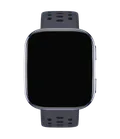 Bip 6
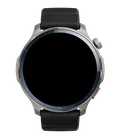 Balance 2
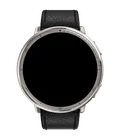 Active 2 (Round)
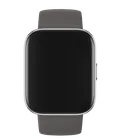 Bip 5 Unity
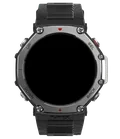 T-Rex 3
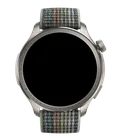 Balance
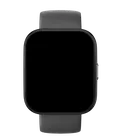 Bip 5
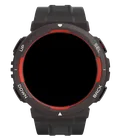 Active Edge
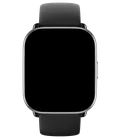 Active
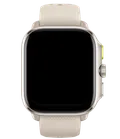 Cheetah (Square)
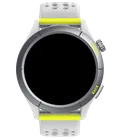 Cheetah (Round)
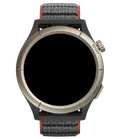 Cheetah Pro
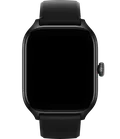 GTS 4
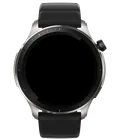 GTR 4
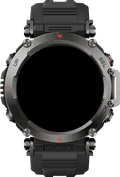 T-Rex Ultra
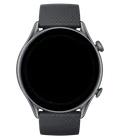 GTR 3 Pro
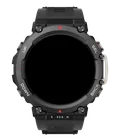 T-Rex 2
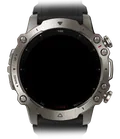 Falcon
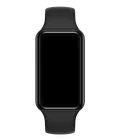 Band 7
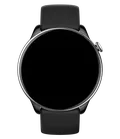 GTR Mini
 GTS 4 mini
 GTR 3
 GTS 3
Questions
Good to know.
Is it a medical device?
No. Follow your eye doctor’s advice on wear time.
More apps
You might also like.

 Lens DaysInstall