 Watch+
Your LED strip, on your wrist.
Colour, brightness and power for Bluetooth LED strips, straight from the watch. No phone, no hub, no cloud.
Free to install · Pro $2.99 once · In the Zepp app: Profile → App Store → “LED Remote”
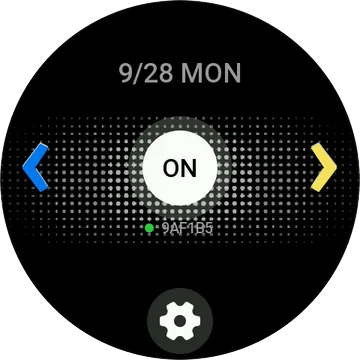
Paint the room with your wrist.
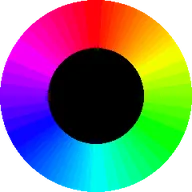
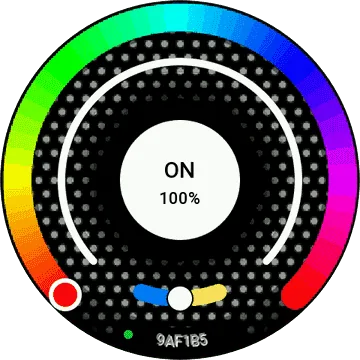
Colour wheel
Drag around the ring to pick any colour. The strip follows when you let go.
Brightness and power
An arc for brightness, a tap for on and off.
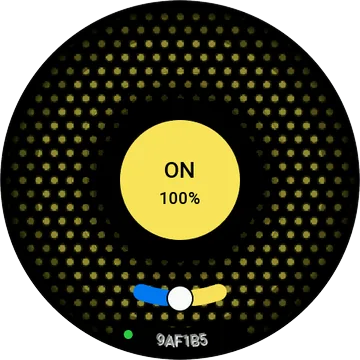
Shortcuts
Three one-tap buttons: any colour, or effects and music with Pro.
Card and widget
Change the light without opening the app.
Set up on your phone
Shortcuts, effect speed and colour order in the Zepp app.
Which strips?
Zengge LEDnetWF controllers: the ones you set up with the ZENGGE, Surplife or Magic Hue apps, with a name starting “LEDnetWF”. Have another one? Email us its name and app and we’ll try to add it.
Have a look.
Set up in a minute.
Free the strip
Close any other app connected to the strip. A strip stays hidden while something else holds it.
Find it
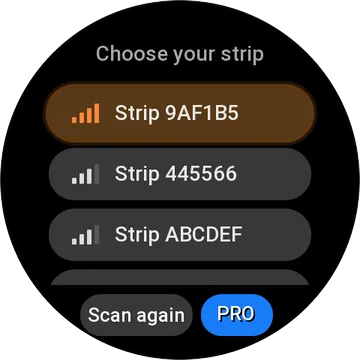
Open LED Remote. It finds the strip nearby and connects.
Play
Drag for colour, tap for power, set shortcuts for the colours you use.
Free to start.
Free
- Colour, brightness, power
- 3 colour shortcuts
- Card and widget
Pro
- Effects on your shortcuts
- Music mode
- Supports development
Buy on your phone, from the app’s settings page. The watch unlocks by itself. 14-day refunds, no questions. Refund policy.
Does it run on mine?
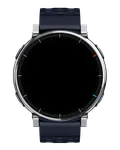 Active 3 Premium
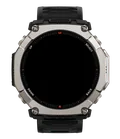 T-Rex Ultra 2
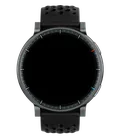 Active Max
 T-Rex 3 Pro (44mm)
 T-Rex 3 Pro (48mm)
 Active 2 (Square)
 Bip 6
 Balance 2
 Active 2 (Round)
 Bip 5 Unity
 T-Rex 3
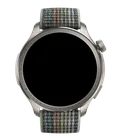 Balance
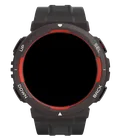 Active Edge
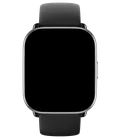 Active
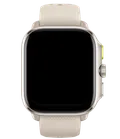 Cheetah (Square)
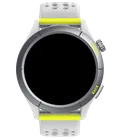 Cheetah (Round)
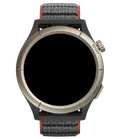 Cheetah Pro
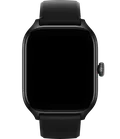 GTS 4
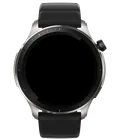 GTR 4
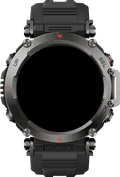 T-Rex Ultra
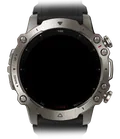 Falcon
Good to know.
It doesn’t find my strip.
Close the ZENGGE, Surplife or Magic Hue app, or anything else connected to the strip, and try again. The strip doesn’t show up while another device holds it.
Does it need the phone?
No. The watch talks to the strip over Bluetooth. The phone is only for settings.
My colours look swapped.
Some strips wire red, green and blue in another order. Change the colour order in the app’s settings.
You might also like.

 LED RemoteInstall